
Snap a real photo
Point your phone at the place — a campsite, a street, a yard, a booth — and drop labeled pins right on the photo. The real photo is the map.
Take a photo of a real place — a campsite, a street, a yard, a venue, a job site — and drop labeled pins right on it. Or upload a map you already have. Then send one link. Whoever gets it just taps a pin to see the spot. No app to download.
$10/month. Your maps are yours to keep. Cancel anytime.

 Trailhead
Go ahead — tap the pins on the photo.
The fastest map is the one right in front of you. Snap a photo of any real space and pin it — no drawing, no design. Already have a map? Drop that in instead.
Point your phone at the place — a campsite, a street, a yard, a booth — and drop labeled pins right on the photo. The real photo is the map.
A park map, a floor plan, a campus map, a hand-drawn sketch, even a screenshot. Drop it in — we keep it sharp — and start pinning.
No photo or map handy? Tell us the place in a few words — "a lakeside campground" — and we'll draw a map for you to pin on.
Either way, every pin holds a real photo, a name, and a note.
No design skills. No sign-in for your guests. Just a map, your pins, and a link.
Shoot a photo of the space, or upload a map you already have. No drawing, no design — the real photo is ready to pin.
Tap any spot on the photo to drop a pin. Add a real photo, a name, and a short note — directions, a story, a menu, whatever fits. You can add audio or video too.
Send it by text, email, or a QR code. It opens right in any browser. No app, no sign-in for the people you share it with.
If it happens somewhere, it's better with a map. A few ways people use Waypoints Maps.
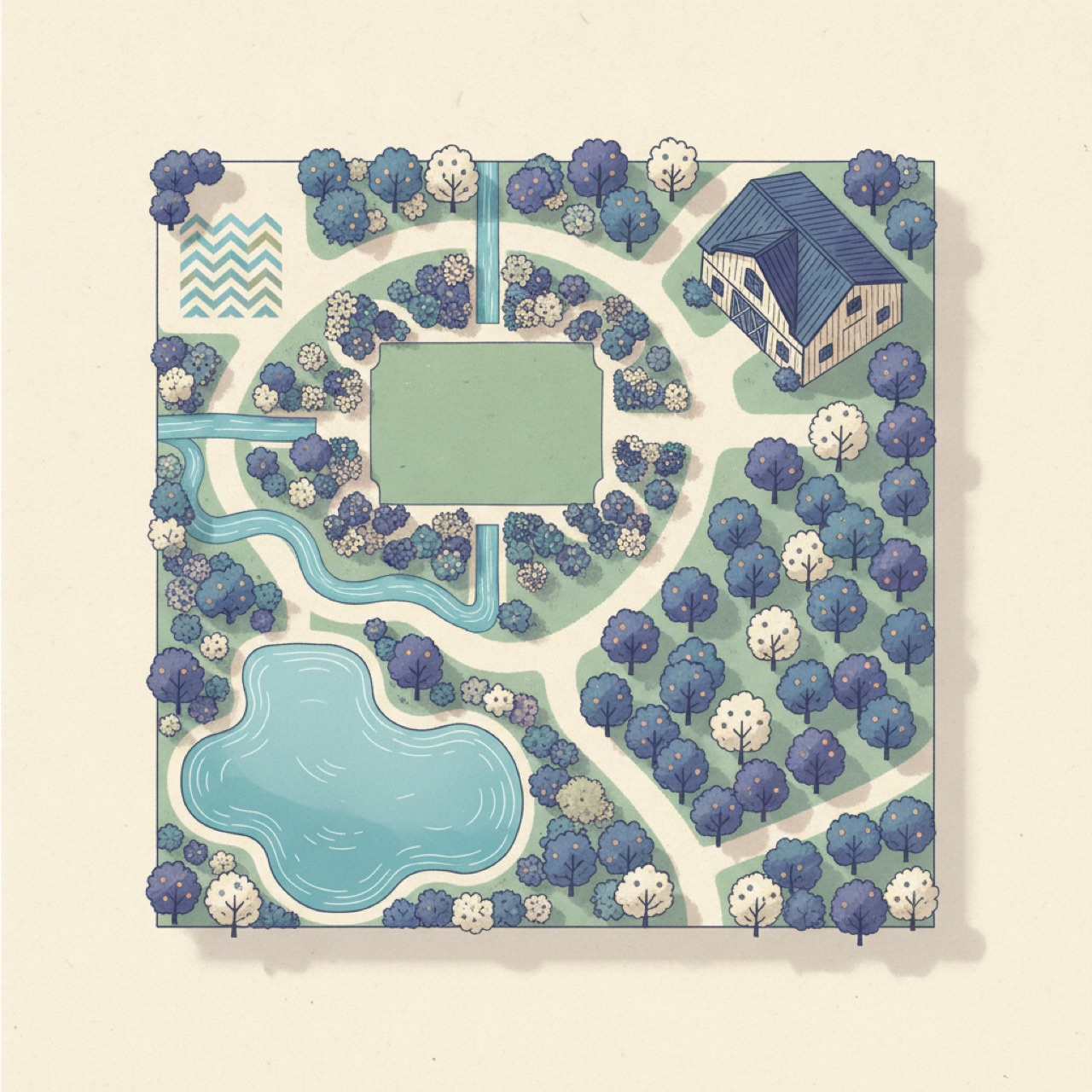
Ceremony, reception, parking, the hotel — mapped for every guest.
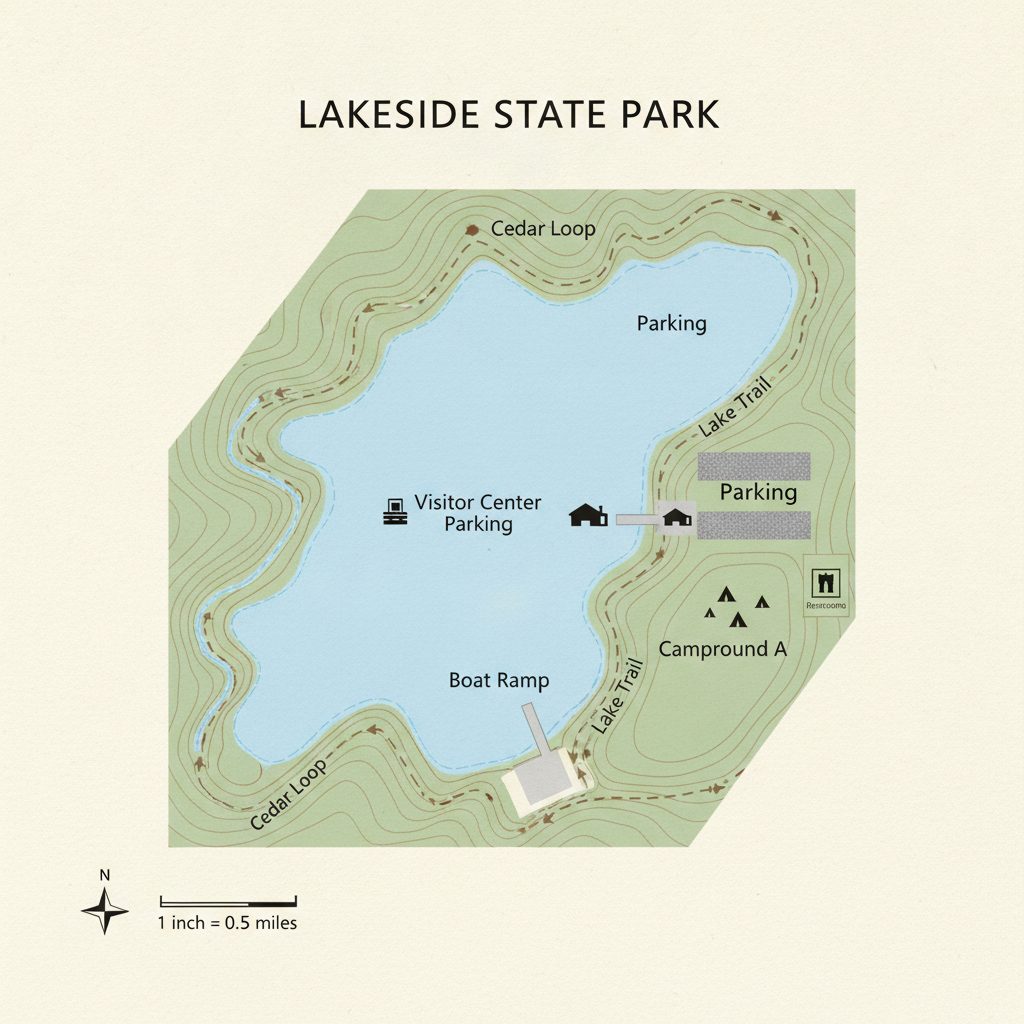
Keep your real, to-scale map — labels stay crisp — and pin every stop.
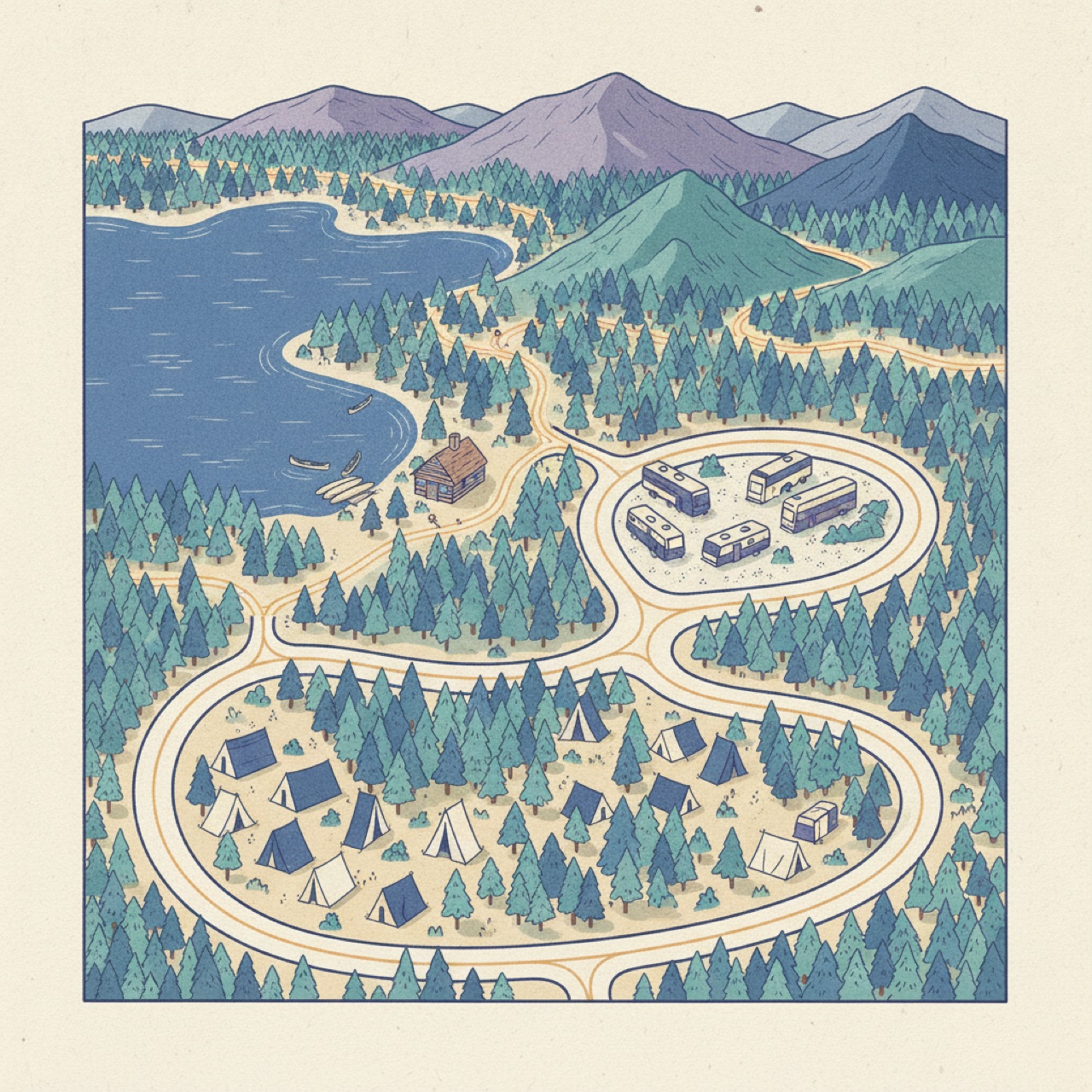
Sites, trailheads, restrooms, and the good swimming hole — all pinned.
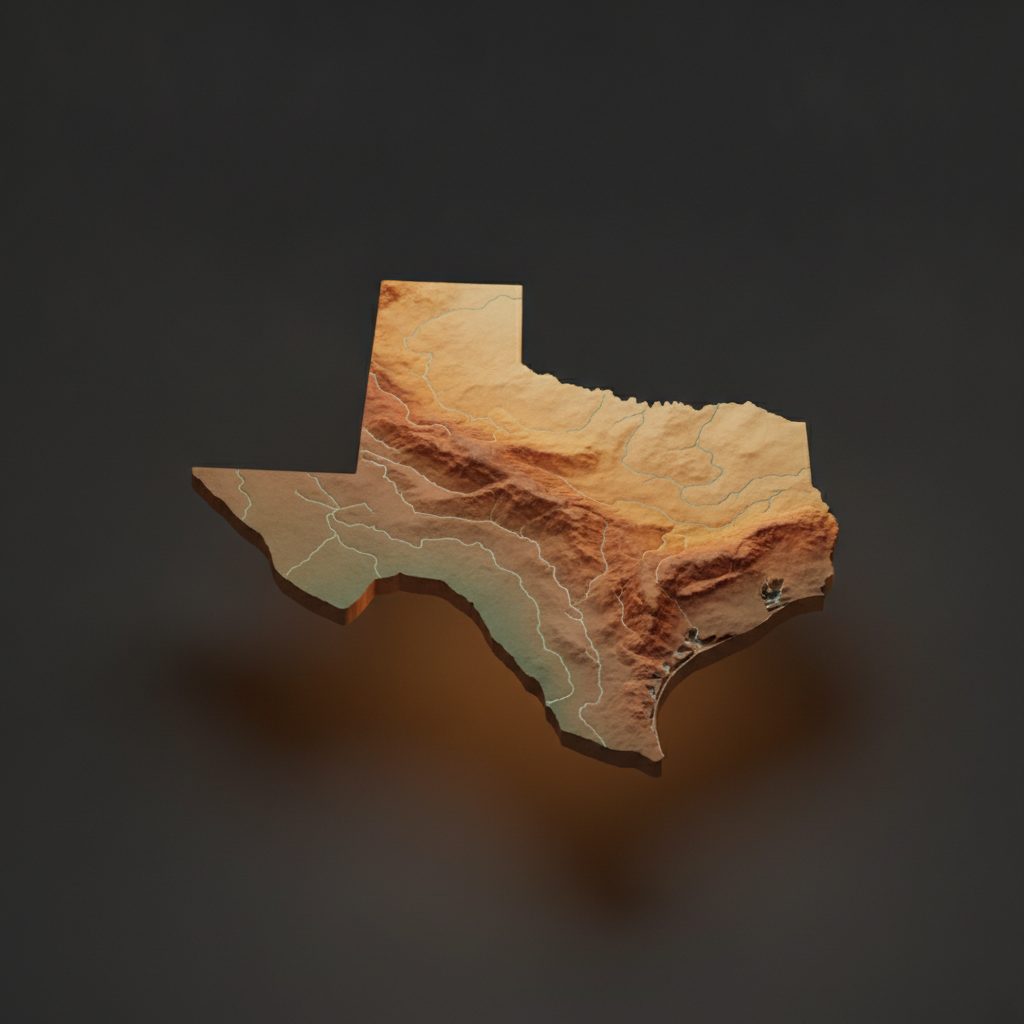
Feeling fancy? Redraw any map as a warm little model or a watercolor.
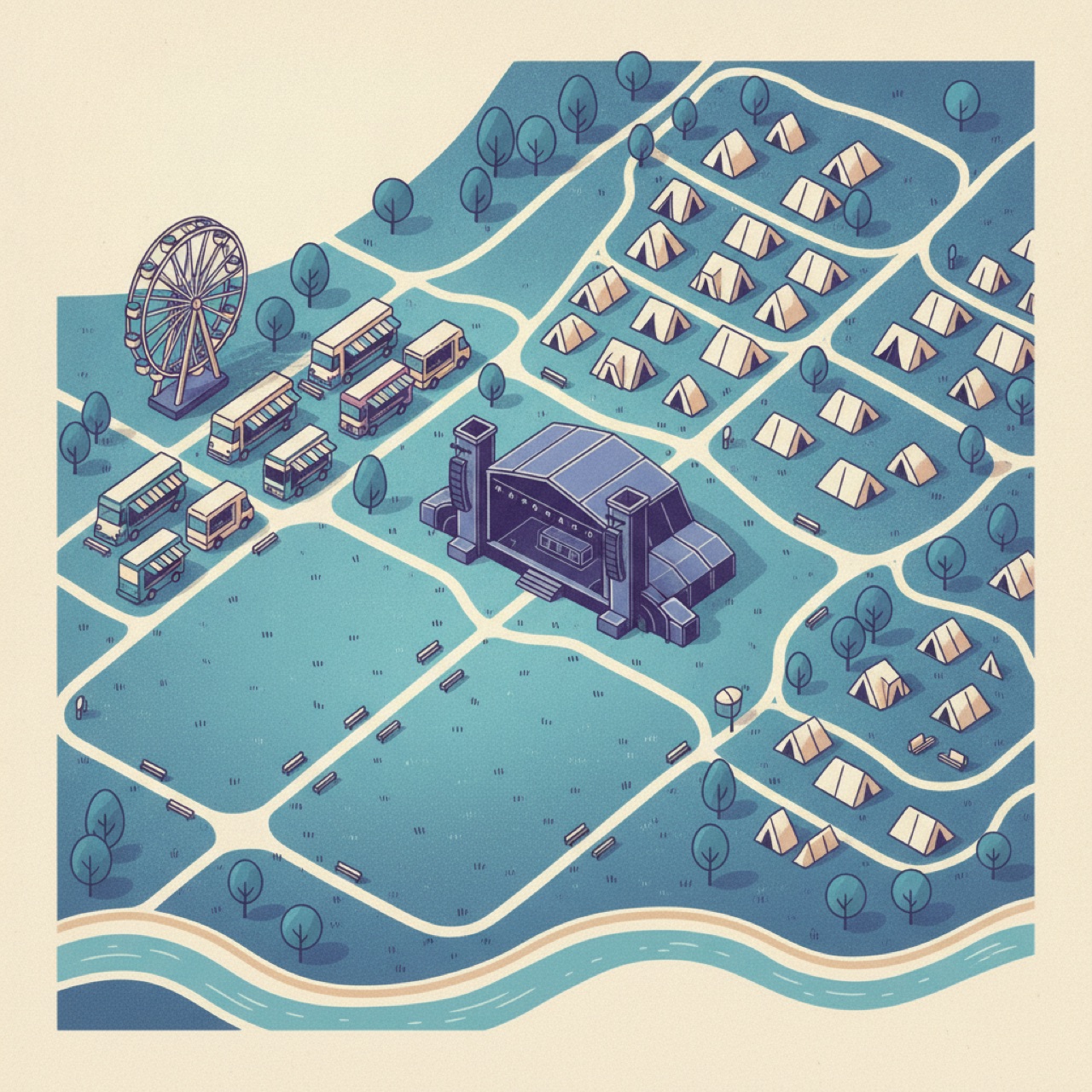
Stages, food, entrances, first aid — the map everyone screenshots.
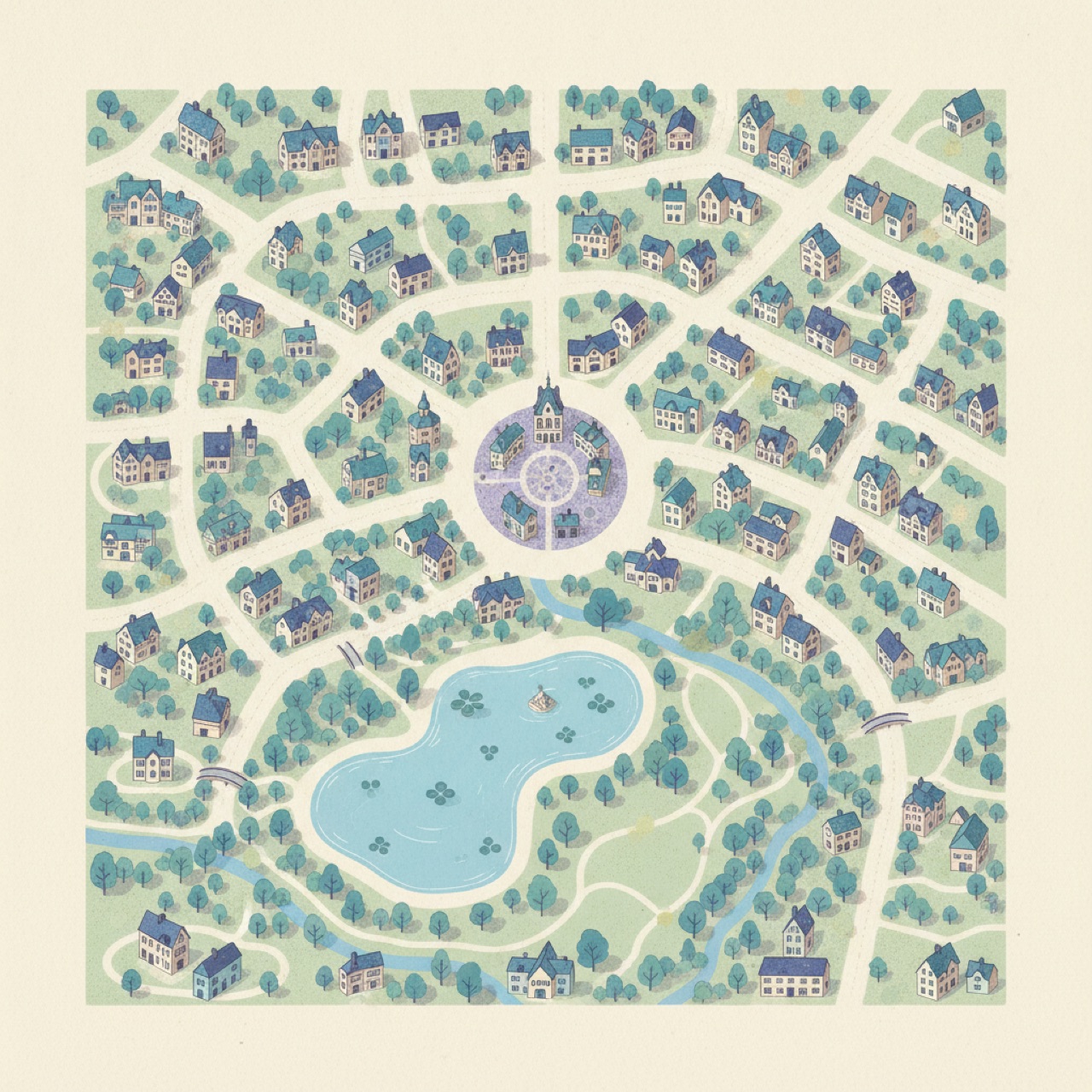
Your favorite spots, for the friends who just moved to town.
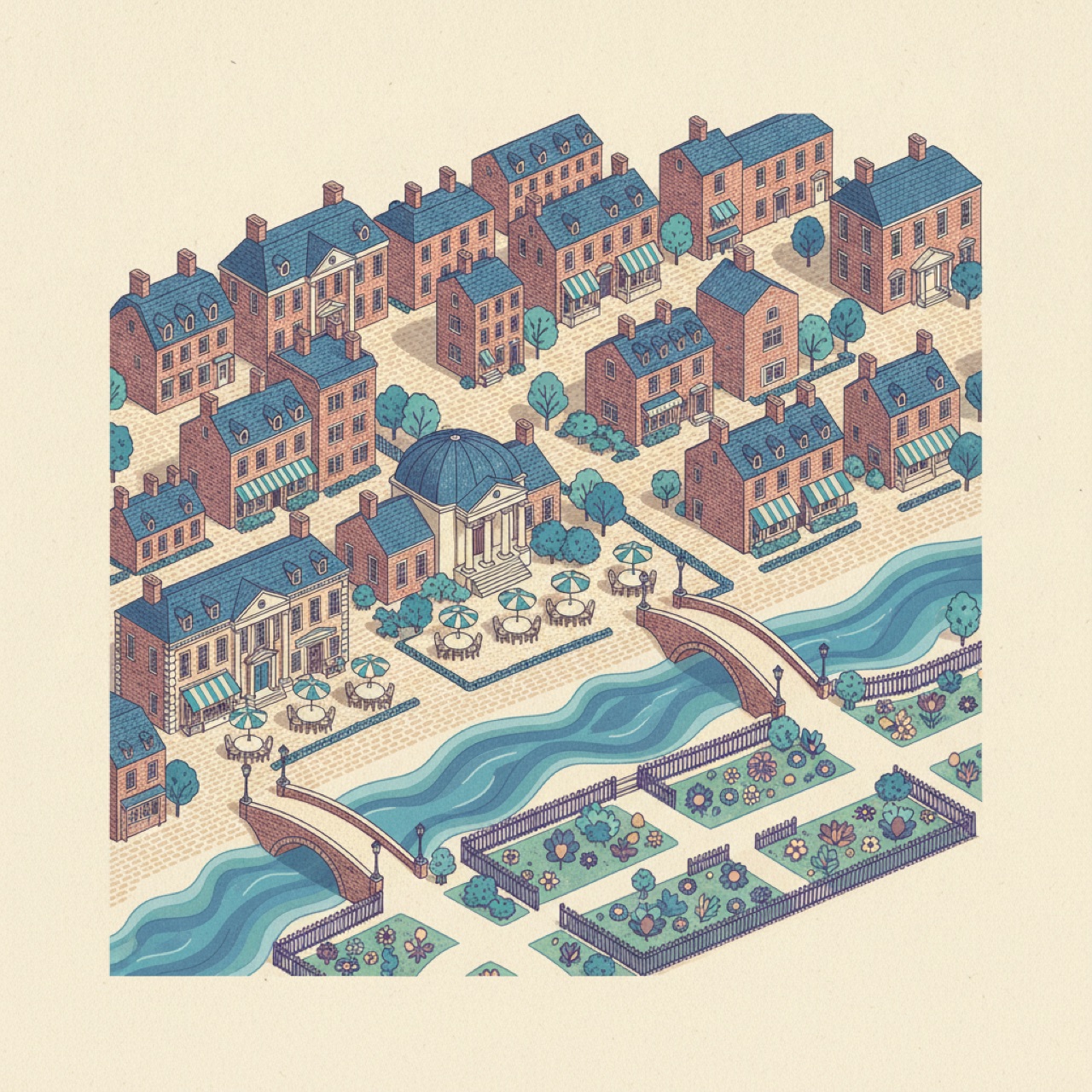
A self-guided route with a photo and a story at every stop.
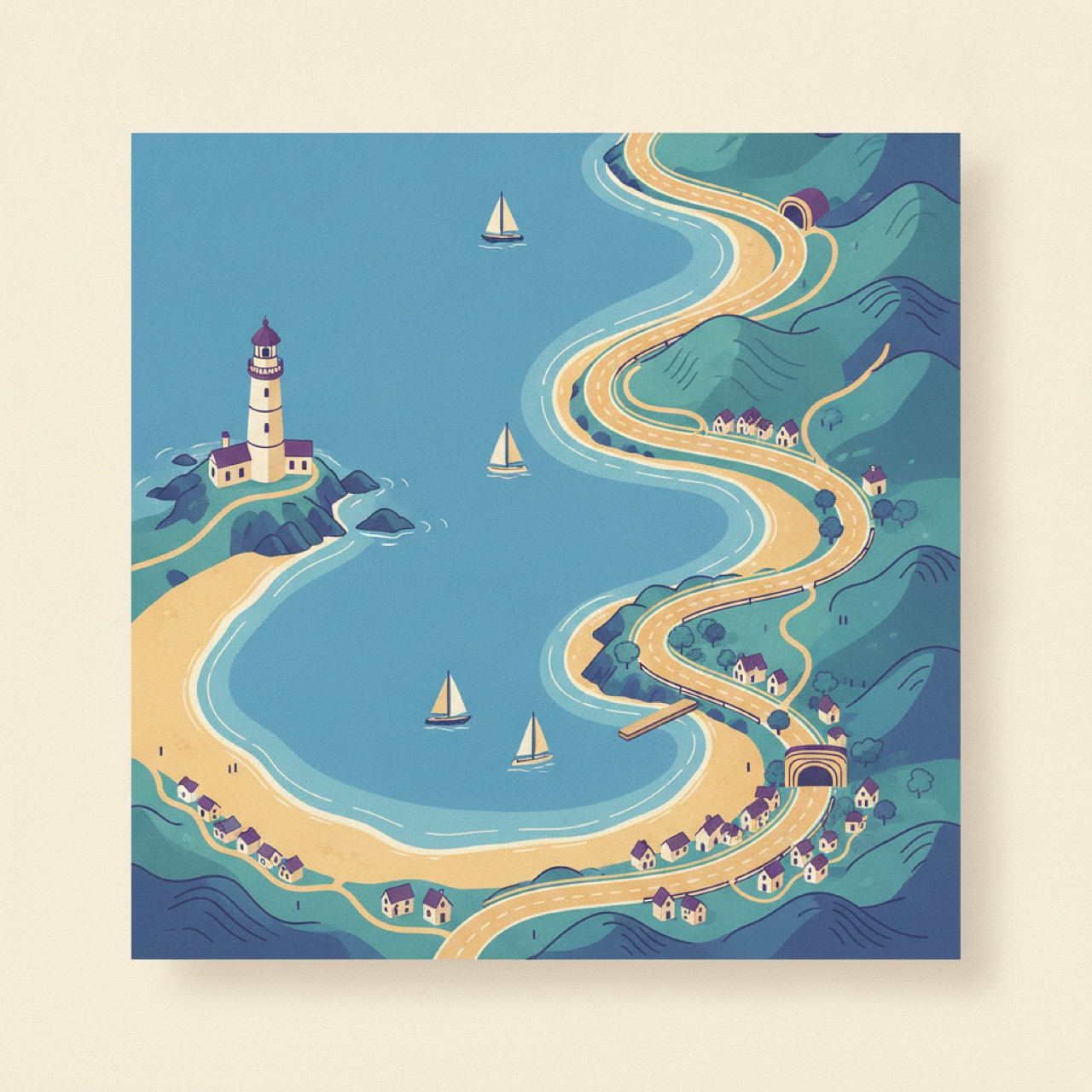
Every stop with a photo — or a simple store directory shoppers can tap.
 Point Light
Drop your pins straight onto a real photo of the place — or onto a map you uploaded. Either way, most maps give you a dot and a name; Waypoints shows the actual spot — a photo, a name, and a note — the second someone taps. Try tapping through these.
Your real photo or map is all you need — pins work the same either way. But when you want it to look extra sharp, you've got two easy finishes. Totally optional, and you can switch anytime.
Uploaded a map? Pick a finish — soft matte, wood, marble, stone — and we re-color it while every street and label stays crisp and readable. It's instant, and nothing gets redrawn.

Redraw a map in any of 30+ art looks — watercolor, blueprint, storybook and more — keeping your exact streets and labels in a beautiful new style. The one exception is the warm 3-D "diorama" model (shown): it reimagines your place as a little handcrafted scene.
Start free. When you're ready, it's $10 a month. That's it — no tiers, no add-ons, cancel anytime.
Unlimited maps and pins. Every feature. Your maps are yours to keep.
Free to start. $10/month after. Cancel anytime.
Waypoints Maps is great on its own. It's also part of a small family of tools for turning real places into something you can share, explore, and keep track of.
Make a map worth sharing — pins, real photos, and one link. For events, trips, tours, and everyday places.
Turn a whole place into a guided experience — tours, QR stops, and a visitor app. Your maps can plug right in.
Visit waypointsstudio.comSnap a photo of a space and know exactly what's inside and where. Find anything later just by asking.
Visit placemap.aiPop in your email and we'll send a one-tap link to start building. No password to remember.
Free to start · $10/month when you're ready · cancel anytime.